
Estimated reading time: 6 minutes
Key Takeaways
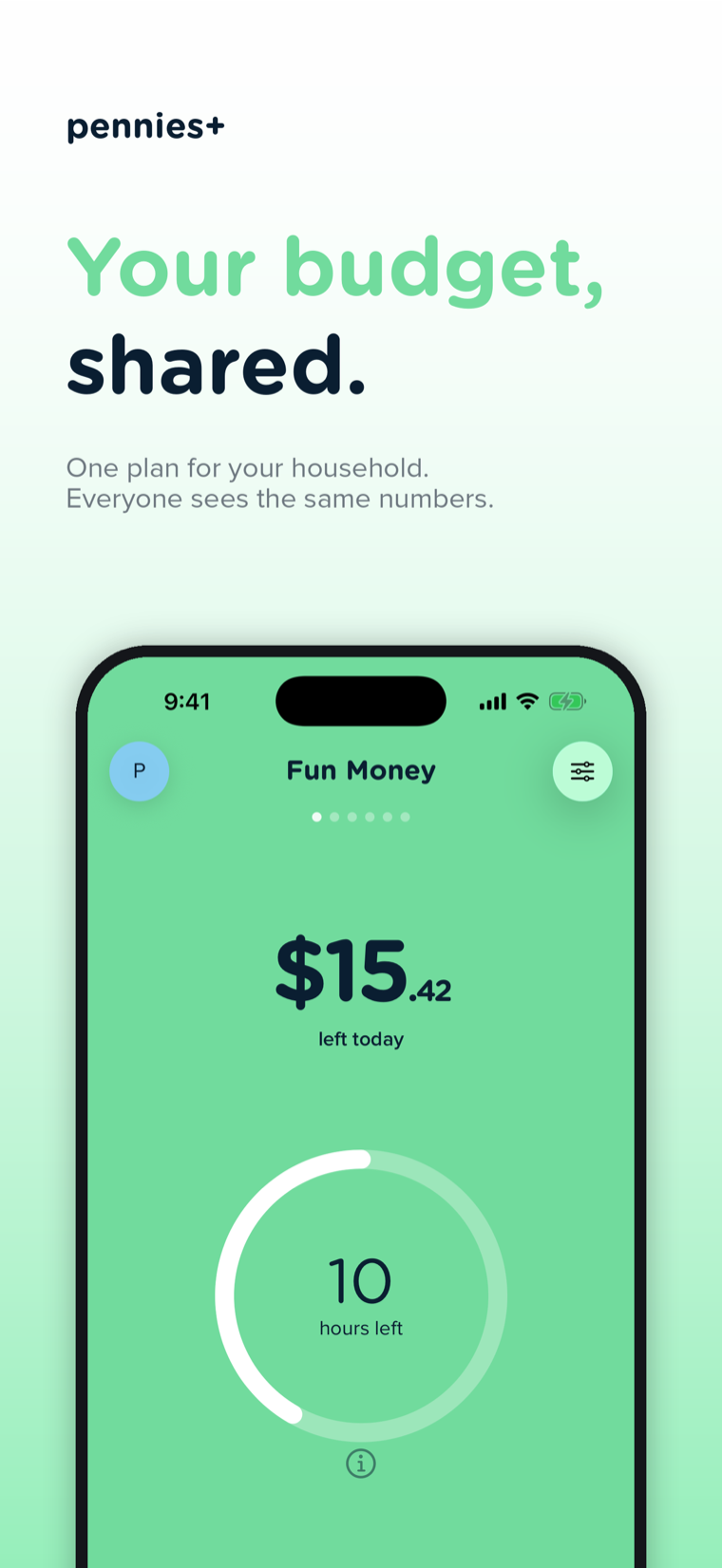
- Pennies+ is a brand-new app: the next generation of Pennies, built for budgeting together.
- Shared budgets are the headline feature: invite up to six people per budget by email, and everyone sees what’s left in real time.
- The Pennies DNA is intact, including payday budget cycles, rollover, daily spending targets, transfers, and the classic number pad.
- One Household Plan subscription covers every budget you own; the people you invite join free.
- Pennies Classic isn’t going anywhere, and Pennies+ can import your Classic budgets and history in one tap.

Pennies+ is out now. Budget together with up to six people, with one subscription for the whole household.
Table of Contents
- Why Pennies+?
- Budget Together, Finally
- The Pennies DNA, Intact
- Moving from Pennies Classic
- One Subscription for the Whole Household
- Get Pennies+
Why Pennies+?
For over a decade, Pennies has done one thing exceptionally well: it shows you what’s left to spend, in one glance, without spreadsheets or bank logins. But the single most requested feature over all those years has been the one thing the original app was never designed for: budgeting with another person.
We wrote recently about budgeting as a couple, and the honest advice at the time was a workaround: keep shared budgets on one partner’s phone and sync up at a weekly money date. That works, but it shouldn’t have to be a workaround. Money is shared; budgets should be too.
So we built Pennies+, a new app designed around shared budgets from day one.
Budget Together, Finally
Here’s how sharing works in Pennies+:
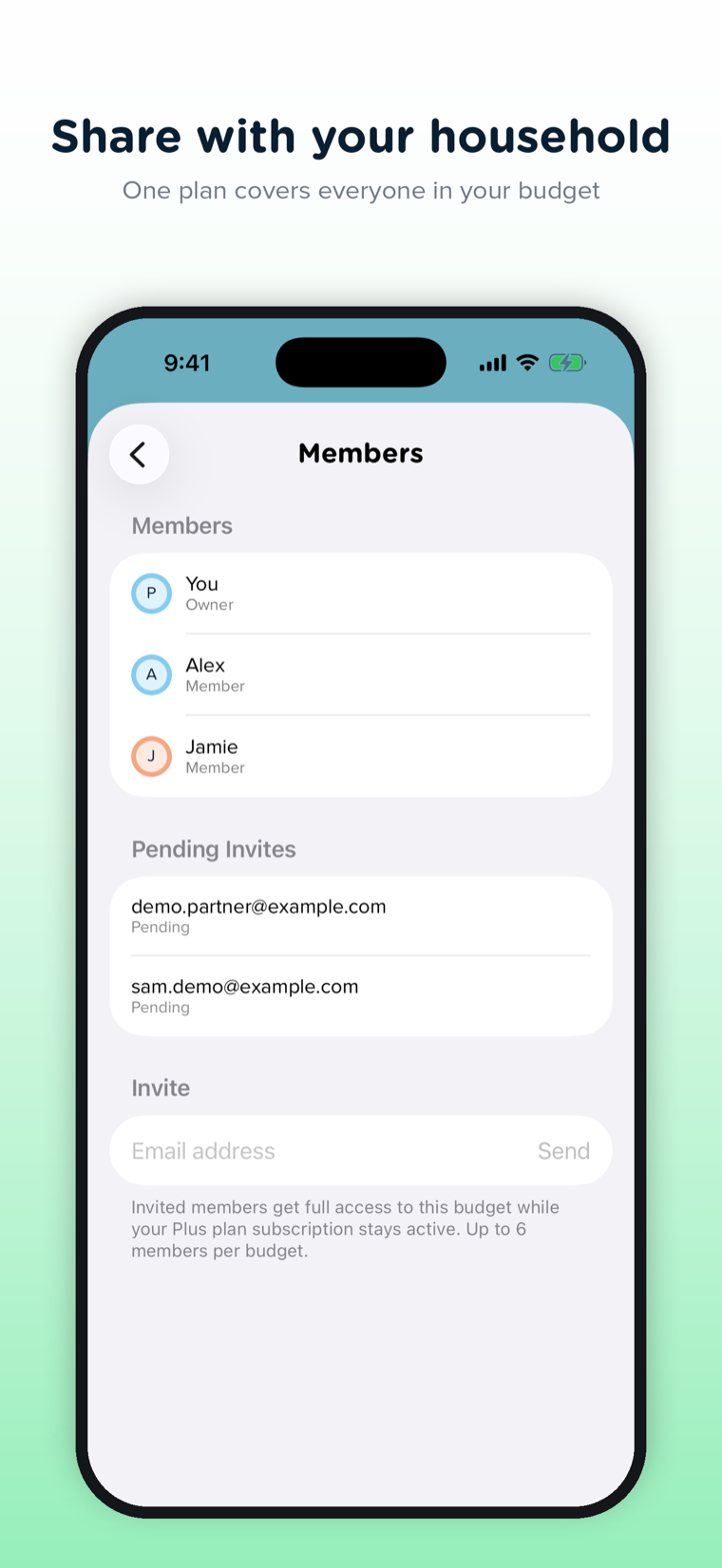
- Invite by email. Send an invite from inside the app; your partner, family member, or flatmate taps the link (or enters an invite code) and they’re in. Each budget supports up to six seats.
- Everyone sees the same number. When anyone logs an expense, the budget updates for the whole group. No more “wait, how much did you spend?” conversations.
- See who spent what. Every expense shows who added it, so the history is clear without anyone having to ask.
- You control access. Budget owners decide who can add and edit expenses and who can simply view. Removing someone takes a tap.
Share the grocery budget with your partner, the household budget with the whole family, or a trip budget with friends. Personal budgets stay personal: you choose what to share, budget by budget.
The Pennies DNA, Intact
Pennies+ is new, but it’s unmistakably Pennies:
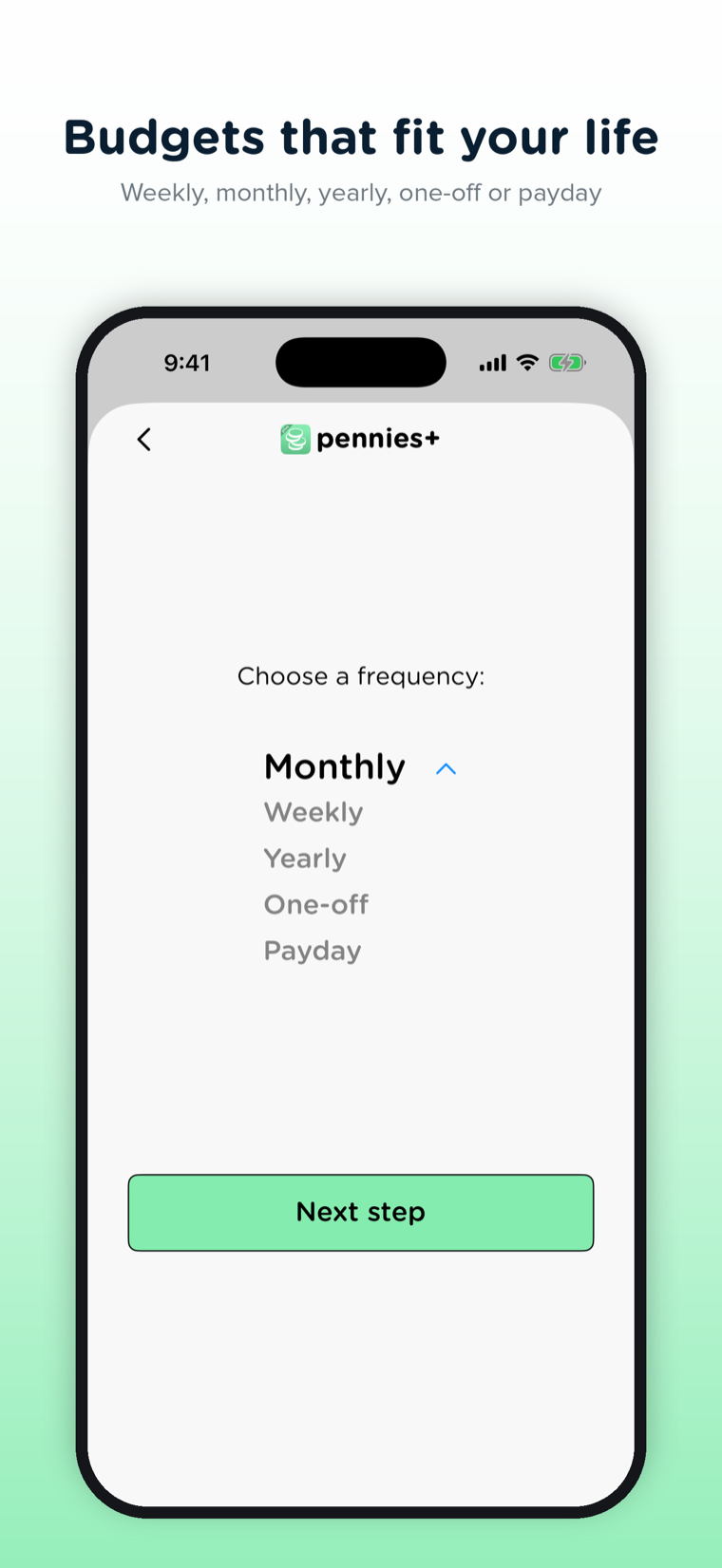
- Budget cycles that match real life: weekly, monthly, yearly, one-off, and a full set of payday schedules including bi-weekly, four-weekly, and semi-monthly. If you’ve read our guide on weekly vs monthly budgeting, you know why this matters.
- Rollover, so leftover money can carry into the next period, or not; your choice per budget.
- Daily spending targets and the signature swipe between “today” and “whole period” views.
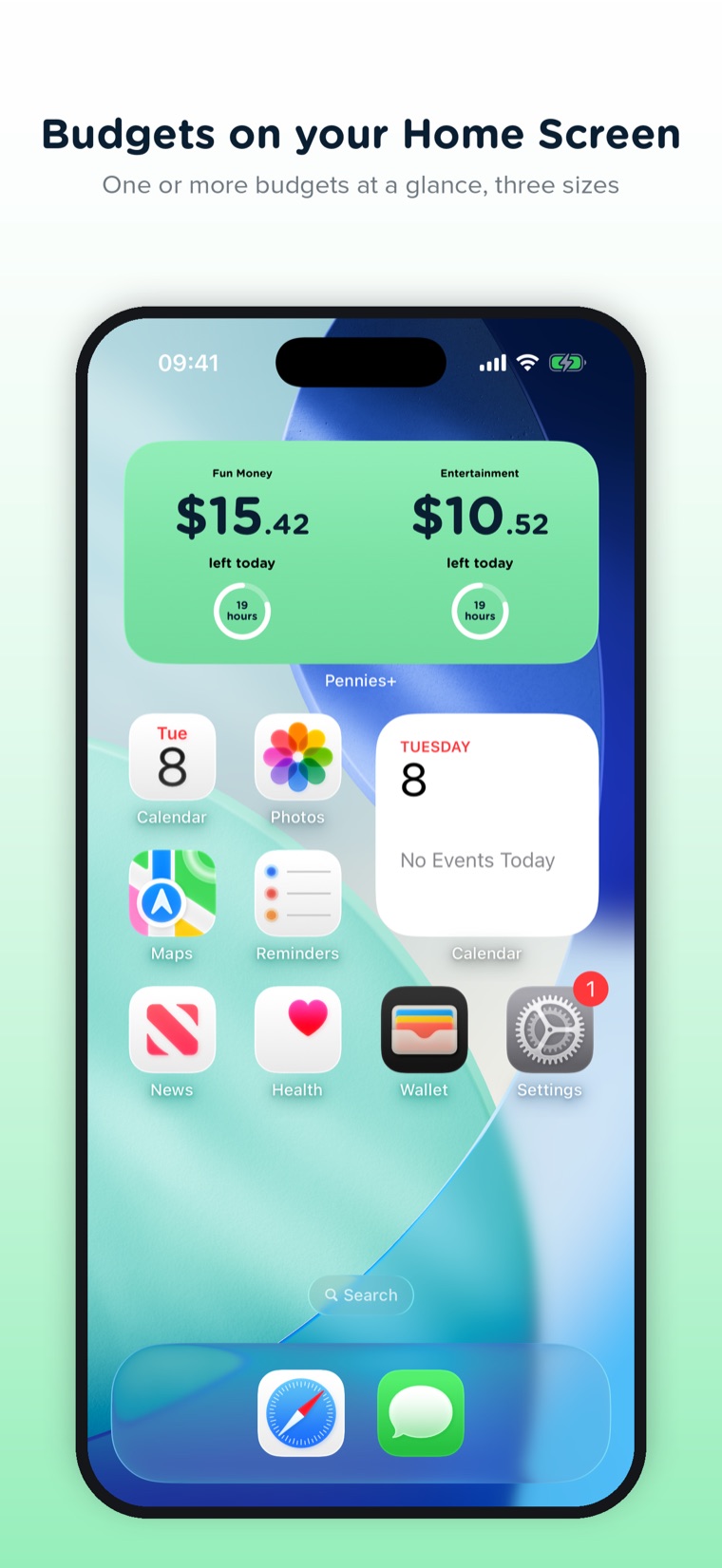
- Budgets on your Home Screen: widgets in three sizes show one or more budgets at a glance.
- Transfers between budgets, multiple currencies, and the classic Pennies number pad for two-tap expense entry.
- Works when your connection doesn’t: expenses you log offline are queued and sync automatically once you’re back online.
Moving from Pennies Classic
Two things matter here. First: Pennies Classic isn’t going anywhere. If the original app is working for you, keep using it; it stays on the App Store and on your phone.
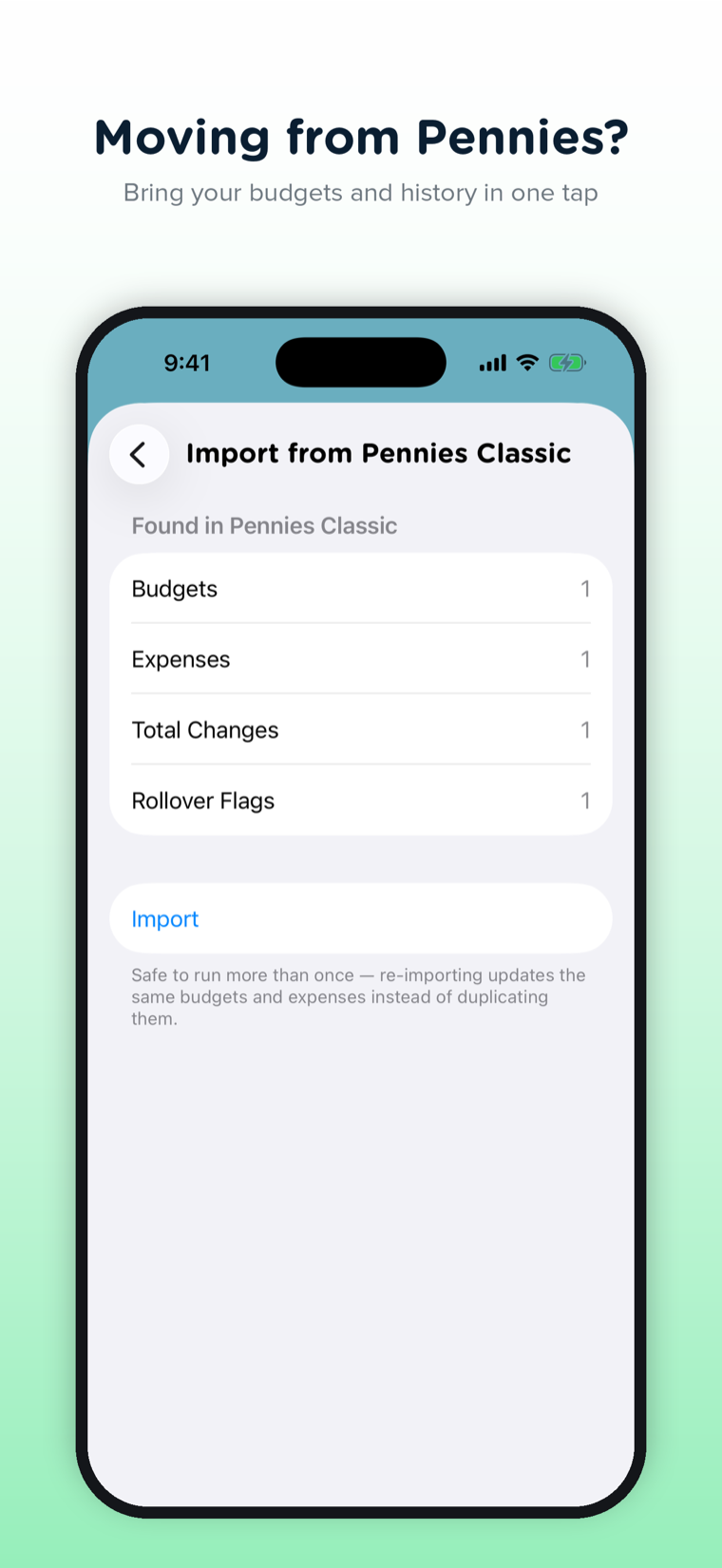
Second: when you’re ready to try Pennies+, you won’t start from zero. Pennies+ imports your Classic budgets and expense history in one tap, directly on your device. Your years of data come with you.
One Subscription for the Whole Household
Pennies+ uses a model we think is fair for shared budgeting: the Household Plan. One subscription covers every budget you own, and everyone you invite joins free. Your partner doesn’t need to pay to log groceries; your kids don’t need accounts with payment methods. One plan, the whole household budgets together.
Get Pennies+
Pennies+ is available on the App Store now. Download Pennies+ and start budgeting with your household today.
- Already using Pennies Classic? Install Pennies+ and import your budgets and history in one tap.
- New to Pennies? Start with Pennies+ if you want to budget with someone else, or Pennies Classic if you just want to budget on your own.
We can’t wait to see what your household does with it.
FAQ
Is Pennies+ replacing the original Pennies app?
No. Pennies Classic stays on the App Store and keeps working exactly as it does today. Pennies+ is a separate, next-generation app built around shared budgets; you can switch when (and if) you’re ready, and bring your data with you.
Do the people I invite have to pay?
No. One Household Plan subscription covers every budget you own, and everyone you invite joins free, with up to six seats per budget.
Can I import my data from Pennies Classic?
Yes. Pennies+ reads your Classic budgets and expense history directly on your device and imports them in one tap, so you keep your history and your budget setup.
Where can I get Pennies+?
Pennies+ is out now on the App Store. It is a separate download from Pennies Classic, and it is iPhone only.